Actions
Woodcraft's seven action tiles: Buy Lumber, Exchange Dice, Buy Materials, Choose Orders, Choose a Helper, Produce or Plant a Tree, Improve Workshop — with prices and helper abilities.
| Picture | Action tile and use |
|---|---|
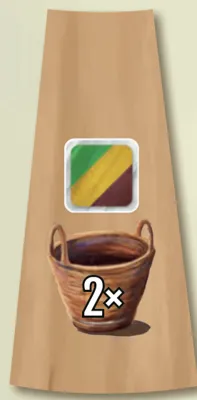 | Buy Lumber — Buy 1 or 2 dice from the lumber yard; free order completions can happen between the two buys (FAQ) |
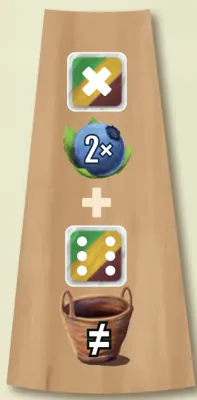 | Exchange Dice — Sell one lumber die for twice its value plus its colour bonus; you may then buy a 6. |
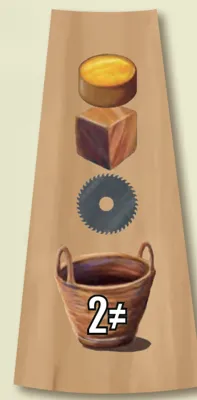 | Buy Materials — Buy one or two different token types; the second purchase must be another type. |
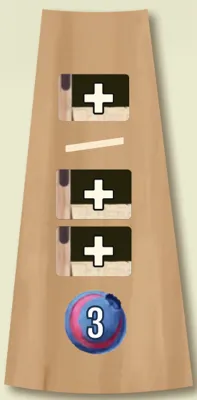 | Choose Orders — Take one order, or pay 3 blueberries for a second. Completing orders is a free action, and each reward is taken as a whole (FAQ, FAQ). |
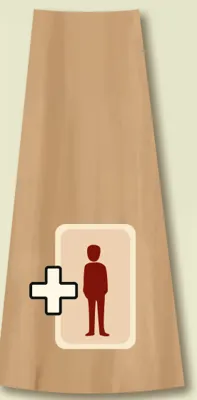 | Choose a Helper — Hire one helper into your workshop and pay its cost. |
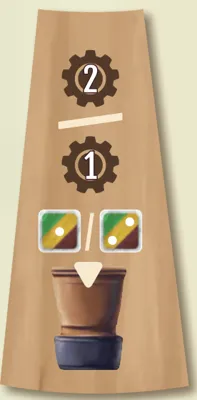 | Produce or Plant a Tree — Take two productions, or one production and plant. The planted die is not available to harvest that turn (FAQ). |
 | Improve Workshop — Add one pot, sawing, splicing or gluing tile. A die still in a pot cannot be sawed, spliced or glued (FAQ). |
Buy Lumber
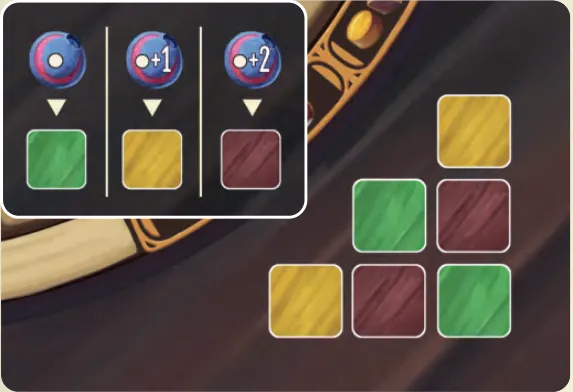
Dice are wood. Buy 1 or 2 dice from the lumber yard in the corner of the wheel board. The price depends on value and colour:
| Colour | Price |
|---|---|
| Green |  its value |
| Yellow | its value + 1 |
| Brown | its value + 2 |
A brown 3 costs 5. After buying, roll new dice of the same colours for the empty yard spaces. New dice go to your lumber pile.
Exchange Dice
The exchange market deals with the bank, not the lumber yard. In this order, either or both:
- Sell a die from your lumber pile: gain twice its value, plus 1 for yellow or 2 for brown.
- Buy a 6 from the bank at the normal price (green 6, yellow 7, brown 8). If you sold a die, the 6 must be a different colour.
Buy Materials
Make one or two purchases; with two, they must be different materials. Prices are printed on the wheel board:
| Material | Lot | Cost |
|---|---|---|
 Sawblades | 2 | 2 |
 Glue | 2 or 3 | 1 or 3 |
 Scrapwood | 2 or 3 | 1 or 3 |
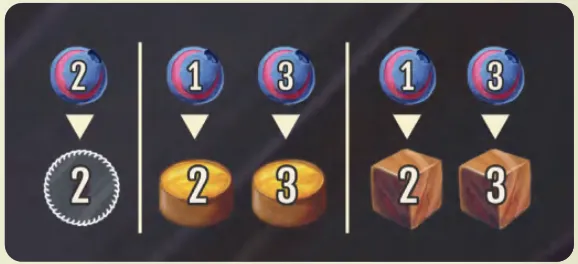
You may buy 2 glue and 3 scrapwood for 4 blueberries, but not 5 glue for 4.
Choose Orders
Take 1 of the 4 orders beside the scoreboard, slide the others along the arrows and refill the gap from the deck. Then you may pay 3 blueberries for a second, and refill again.
Place every order you take at once beside your board, in the row matching the icon in its top-left corner (rows). Orders beside your board can be completed as a free action — even right away. Orders in your hand cannot: they come out at the income phases.
Choose a Helper
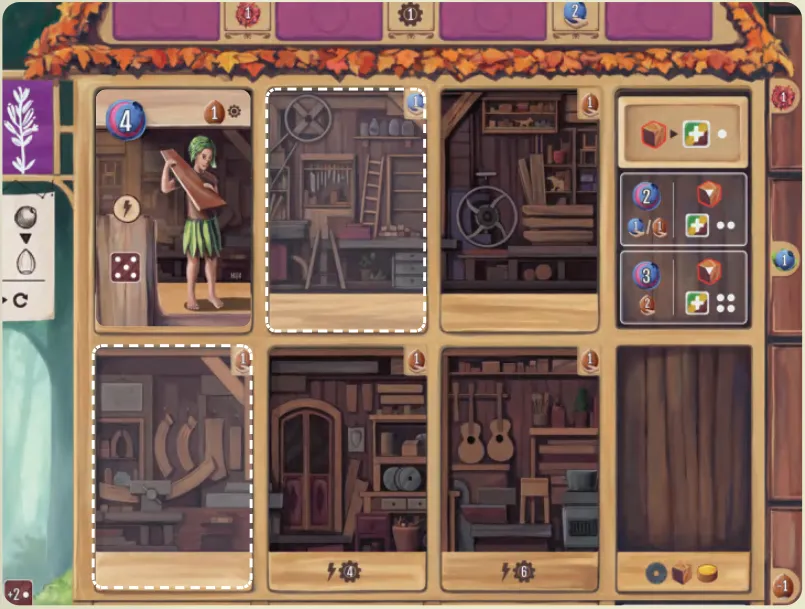
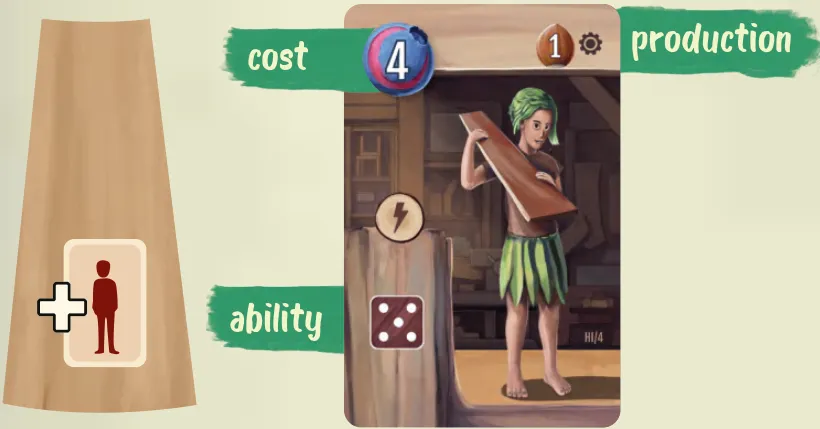
Take 1 of the 4 helpers beside the scoreboard, slide and refill as for orders. Pay its cost (top left of the card) at once — if you can’t pay, you can’t take it. Place it in a room next to a helper you already have.
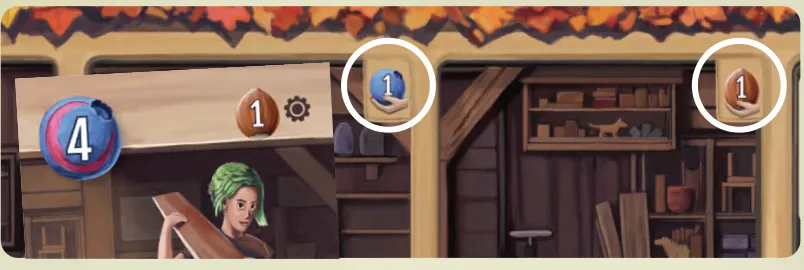
Each room shows an income icon in its top-right corner: advance on that  blueberry or
 hazelnut income track.
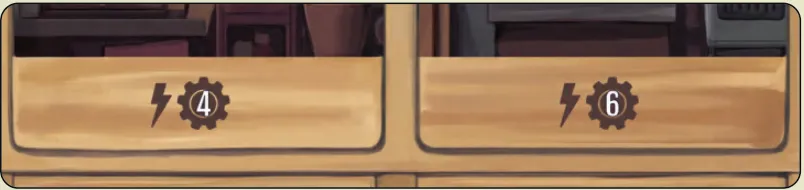
Some rooms also give production at once: from up to the number of different helpers shown (4 or 6). A helper’s  production is printed at the top of its card, beside the gear.
Helper abilities
Every helper also has an ability down its left edge, of one of three kinds:
| Icon | Kind | When |
|---|---|---|
 | Immediate | Once, as soon as you place the helper |
 | Once per turn | Once on each of your turns, from the turn you place it; a free action |
 | Permanent | Automatically, every time you do the action shown — however you got it |
Each card’s ability is explained in Cards & Components.
Produce or Plant a Tree
Choose one:
- production from 2 different helpers; or
- production from 1 helper and Plant a Tree (in either order).
Plant a Tree: put one of your dice showing 1 or 2 into an empty pot of its colour. A bigger die may be split: slice off the 1 or 2 to plant (a new die from the bank) and keep the rest in your lumber pile — no sawing tile needed. A brown 4 can become a brown 1 to plant and a brown 3 to keep, or two 2s.
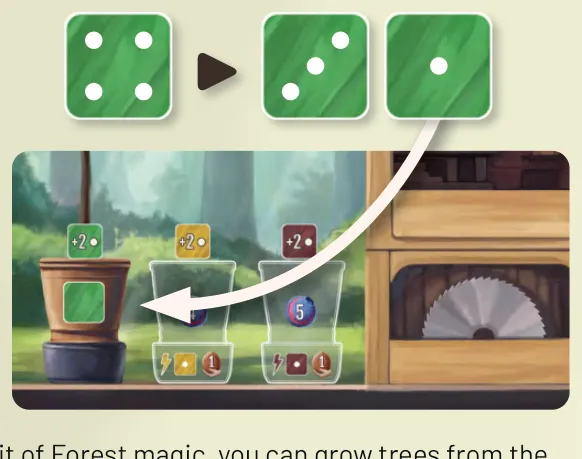
With the brown pot you may plant two trees, in two pots, with one action.
Improve Workshop
Add one of these to your board, paying the cost printed on its space:
| Picture | Workshop improvement |
|---|---|
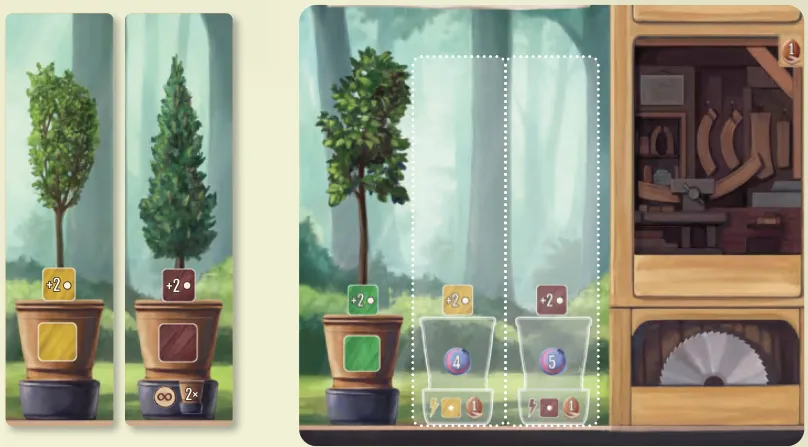
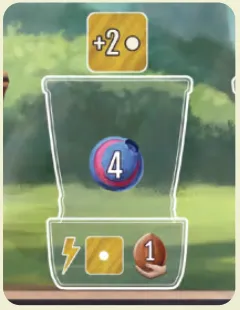 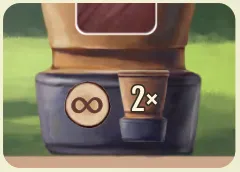 | Next pot: Place yellow, then brown (left to right). Take a sapling: a die of that pot’s colour set to 1; also gain +1 . |
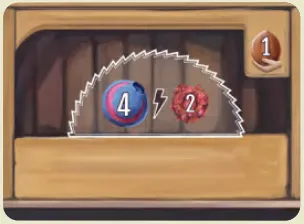
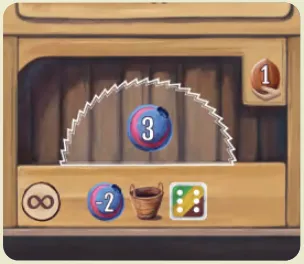 | Next sawing tile: Place on the second, then third sawing space. Gain +1 ; the second space unlocks a 2-blueberry discount on each 6 you buy, and the third gives +2  . |
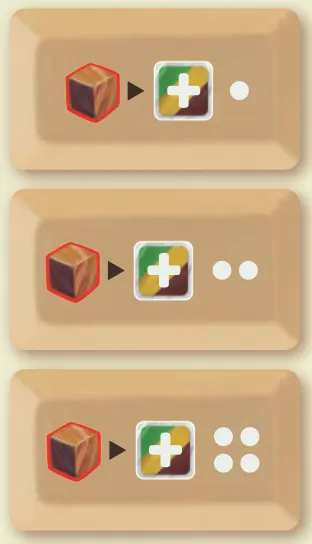 | Next splicing tile: Place the two-dot, then four-dot tile (top to bottom). Take the income advance printed on its space. |
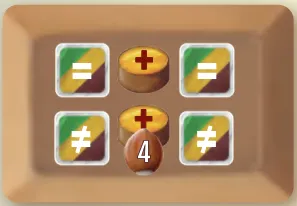 | Gluing tile: Place on its own space; no splicing tile is needed. It costs 4 and adds +1 and +1 . |
Pots
You start with the green pot. Pots grow trees; the brown pot also lets you plant two trees at once.
Sawing tiles
You start with one sawing tile. Each extra tile is one more cut per income cycle. The second space’s discount on 6s applies even while its tile is face down.
Splicing tiles
| Picture | Splicing tile and effect |
|---|---|
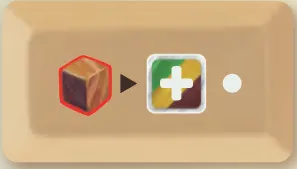 | Splice by 1 (you start with this tile); a die in a pot cannot be spliced (FAQ) |
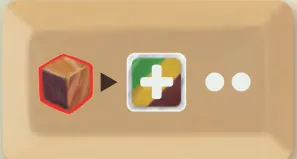 | Splice by 1 or 2; a die in a pot cannot be spliced (FAQ) |
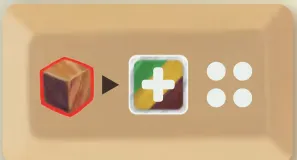 | Splice by 1–4; unlock after getting the other two tiles. A die in a pot cannot be spliced (FAQ) |
Gluing tile
Lets you glue two dice into one. You can add it even with no splicing tile.