Press Release, Fair and Magnates
Vinhos Special Vintage 2016: the Pass / Press Release action and its seven steps, Fair booths, the three Magnates and their barrels, the Wine Tasting Fair and Magnate Action and Multiplier tiles.
Three Wine Tasting Fairs — after Production in years 3, 5 and 6 — are where prestige is made. Every player must present exactly one wine at each Fair: early, as an action (a Press Release), or at the last minute when the Fair opens.
Pass and Press Release
 The centre space of the Quadrel. Moving there is always free. First move your Player Order
marker to any empty slot of the bottom row of the Player Order area
(Turn order). Then either:
- Pass — do nothing else, or
- Press Release — enter a wine in the coming Fair. Only once per Fair: if you have already done it for this Fair, a later visit can only pass.
Why spend an action on it? You pick your Fair booth before the others, you get Magnate barrels back sooner, and you choose the year whose Vintage tile best suits your wine and Experts.
Press Release
Follow the steps in order — the track under the Fair on the board shows them; move the Wine tile along it as a reminder. A Press Release is not available in year 1. FAQ.
- Declare one wine from your board.
- Renown (optional) — remove 1 or 2 Renown cubes of its region to raise its Wine Value.
- Fair Points — score Fair Points equal to the Wine Value on the Fair Score track.
- Booth — move your Fair disc from the Fair logo to an empty Fair booth and take its bonus.
- Wine Experts — discard matching Experts for more Fair Points (below).
- Barrels — take up to 2 of your barrels back from the Magnates your wine satisfies (The Magnates).
- Discard the Wine tile.
Fair booths
Each booth can hold one disc, and gives its bonus at once. The order of the discs, left to right, is also the turn order after the Fair.
| Booth | Bonus |
|---|---|
| 1 | No bonus — but you will be first to buy Magnate tiles and first after the Fair |
| 2 | Take the top Wine Expert of any deck |
| 3 | Take 3 Bagos |
| 4 | +3 Fair Points |
Your disc stays in its booth until the Fair is over.
Wine Experts at the Fair
For each wine feature shown on the current Vintage tile, you may discard one face-up Expert of that feature. It scores as many Fair Points as that feature’s symbols on the Vintage tile, +1 if the Expert tile also shows the arrow. An Expert taken from a booth can be discarded right away; used Experts return face up to the bottom of their decks. FAQ, FAQ.
The Magnates
At setup each player put 2 barrels beside each Magnate. The current Vintage tile shows what each wants:
| Magnate | Wants | Vintage tile |
|---|---|---|
 Anabela | A wine of a certain colour | Beside the letter A |
 Bruno | A minimum Wine Value | Beside the letter B |
 Carolina | A wine from certain regions | Beside the letter C |
For each Magnate your declared wine satisfies, you may take one of your barrels from beside that Magnate into your supply — at most 2 barrels per Press Release, from 2 different Magnates. Since you present 3 wines in the game, you have only 3 chances to free your 6 barrels.
The Wine Tasting Fair
 After Production in years 3, 5 and 6, put the Year/Taxation marker on the Fair space. FAQ FAQ
- Every player who has not issued a Press Release for this Fair does so now, in turn order, following the same steps — without moving their Action Marker. A player with no wine at all does not take part.
- Rank players by their total Fair Points (they never reset and may pass 40).
- Score VP for the ranking:
Fair ranking and VP
| Fair | 1st | 2nd | 3rd | 4th |
|---|---|---|---|---|
| 1st Fair (year 3) | 9 VP | 6 VP | 3 VP | Take a Wine Expert |
| 2nd Fair (year 5) | 12 VP | 8 VP | 4 VP | Take a Wine Expert |
| 3rd Fair (year 6) | 15 VP | 10 VP | 5 VP | Take a Wine Expert |
- Ties split the VP of the tied places, rounded down. Players tied for last in a 4-player game each take a Wine Expert, in turn order (FAQ).
- 2 players: use the 1st and 3rd place values (9/3, 12/4, 15/5), so the runner-up receives the third-place score (FAQ).
After the ranking
- New turn order — the order of the discs in the booths, left to right; it holds for the first action of next year.
- Move your disc from its booth back to the Fair logo.
- Buy Magnate tiles — see below.
- Refill — discard the unbought tiles on the display and refill it from the Magnate deck (Action tiles, which are on top, come first).
Buying Magnate tiles
In the new turn order, each player either discards any 1 Wine tile from their board to take one Magnate tile from the display, or passes. Go round until everyone has passed; once you pass you are done for this Fair.
 Magnate Action tile (green) — put it face up beside your board.
 Magnate Multiplier tile (purple) — you need a free barrel: put the tile face up
and a barrel from your supply on it. That barrel stays put (unless a Wine Expert moves it); a Multiplier
tile without a barrel at the end scores nothing.
- You may never own two identical tiles of the same kind (same icon). An Action tile and a Multiplier tile with the same picture are fine.
Magnate Action tiles
On your turn in the Actions phase — before you move, or before or after your action, never during it — you may flip one face-up Magnate Action tile and take its action. Face-down tiles flip back after the first and second Fairs (before years 4 and 6), never after the third. They cannot be used in Maintenance, Production or the Fair, but can in the last action.
| Tile | Action |
|---|---|
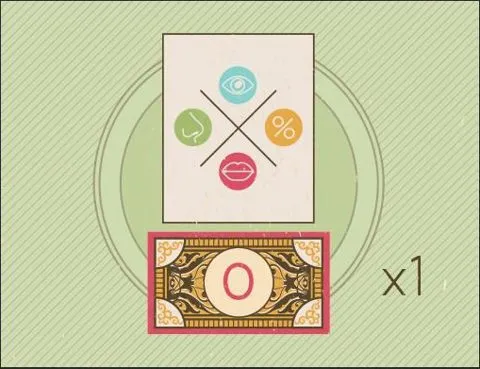 | Copies: 3; Action: Hire 1 Wine Expert for free |
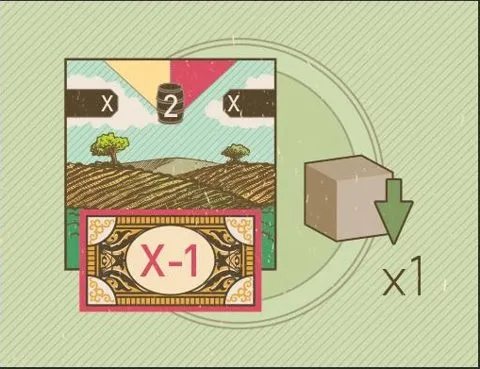 | Copies: 3; Action: Buy 1 Vineyard for 1 Bago less |
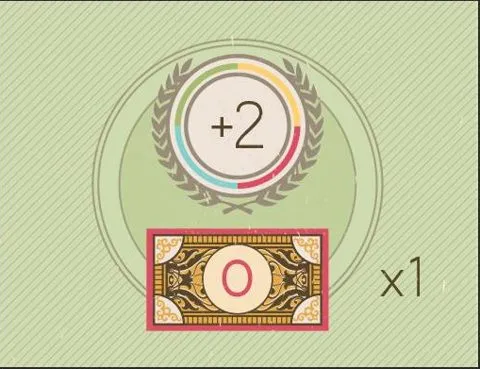 | Copies: 3; Action: Advance 2 Fair Points |
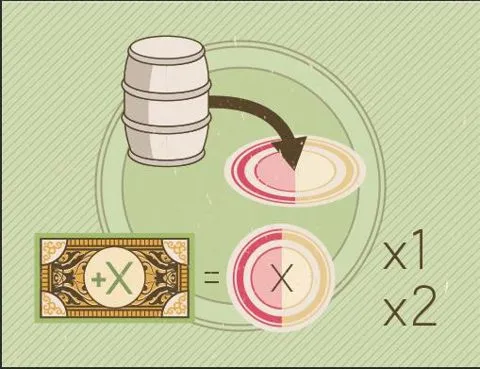 | Copies: 2; Action: Take a Sales action |
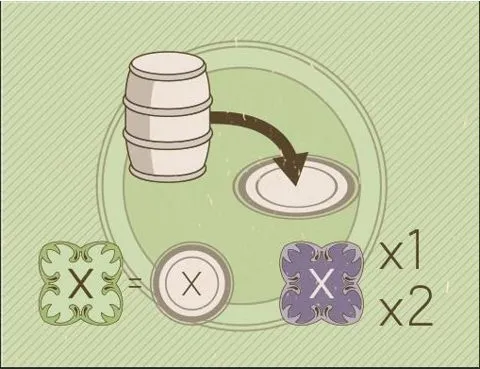 | Copies: 2; Action: Take an Export action |
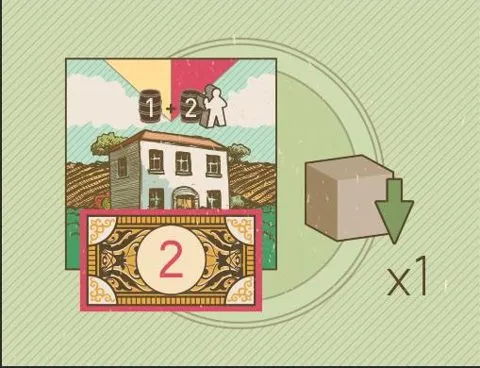 | Copies: 2; Action: Buy 1 Winery for 2 Bagos |
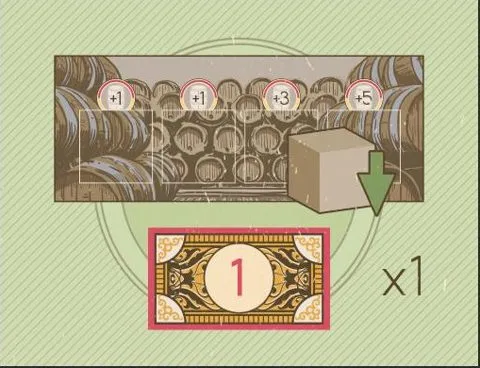 | Copies: 1; Action: Buy 1 Cellar for 1 Bago |
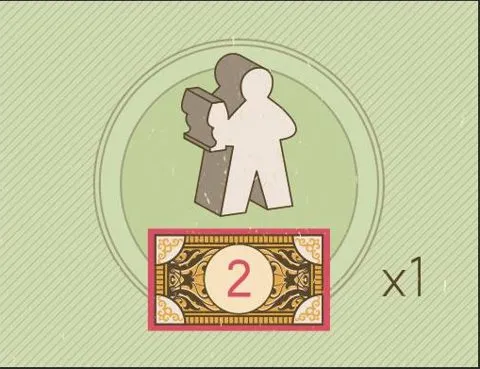 | Copies: 1; Action: Hire 1 Enologist for 2 Bagos |
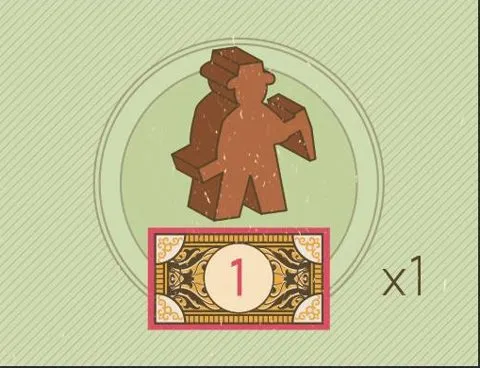 | Copies: 1; Action: Hire 1 Farmer for 1 Bago |
Some tiles carry a  or
 mark: they are left out with fewer players
(Setup).
Magnate Multiplier tiles
Purple tiles score at the end of the game, only with a barrel on them  . They come in
pairs, a higher tile (with a filigree round the multiplier) and a lower one, plus two unique tiles. The
 number in the corner is the most that tile can score. Full list on the
Cards & Components page; scoring on Scoring.
[Experts] The Advertisers let you take a Magnate tile without discarding a wine (Experts).