Mini-expansions
Orca Reintroduction, Underwave Academy and Robotic Wanderer: one new Ocean board each, with orcas, training badges or a remote robot.
Three small modules, each one new Ocean board shuffled into its depth stack, with a few pieces. They work with every Mission. Use any or all; the setup checklist has one switch for them. They score no points of their own.
Sources: the official mini-expansion rule sheets (Polish edition), Table For One’s rules refreshers and designer answers on BoardGameGeek. No English rule sheet was available, so check the Robotic Wanderer against the physical components.
Orca Reintroduction
Short tag: [Orca] — a depth-1 board and 5 orcas.
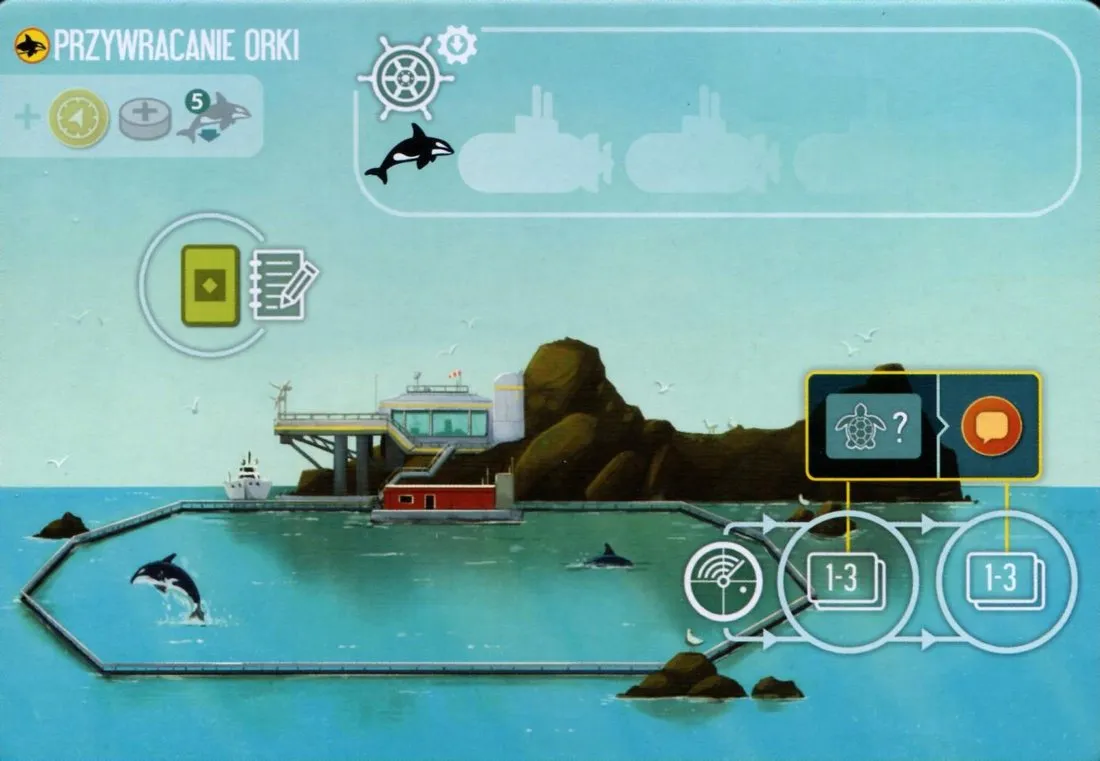
- Setup: shuffle the board into the depth-1 stack; keep the orcas nearby.
- Discovery bonus: 1 Coordination and 1 disc. Put the 5 orcas in its rehabilitation pool.
- Arrival bonus: take one orca from the pool to your Staging area. You may hold several; they never go back to the pool.
- Reintroduce: when you Conserve in a zone that has no orca yet, you may put one of your orcas in that zone: that Conservation site costs 0 Research. One orca per zone.
- Sonar here: if the zone you discover through this board’s track has a Conservation site, also gain 1 Reputation. The Polish sheet says the opposite by misprint (FAQ).
Underwave Academy
Short tag: [Academy] — a depth-2 board and 5 badges (blue ”/” side, red ”+” side), one per action.
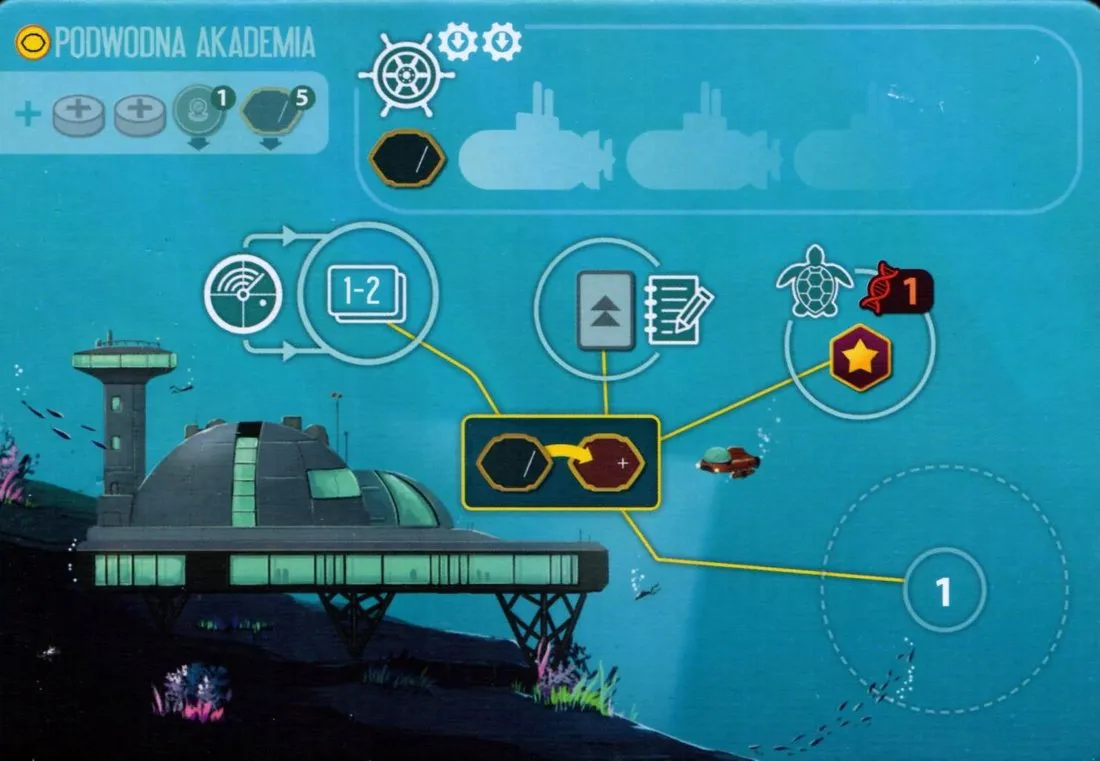
- Setup: shuffle the board into the depth-2 stack.
- Discovery bonus: 2 discs. Put the 5 badges on the board, blue side up, and its Dive tokens on the Dive site.
- Arrival bonus: take one badge and put it blue side up on one of your tier-1 or tier-2 Specialists that has no badge. It stays when the Specialist is promoted.
- Blue badge: when you activate that Specialist you may take the badge’s action instead of a printed one.
- Flip to red: each time you act at the Academy (Sonar, Dive, Conserve or Journal there), you may flip one of your blue badges to red. Red badge: the badge’s action in addition to the printed ones.
- A badge flipped during an activation does not add its action to that same activation (FAQ).
| Badge | Action |
|---|---|
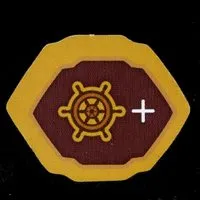 | Travel |
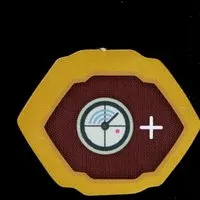 | Sonar |
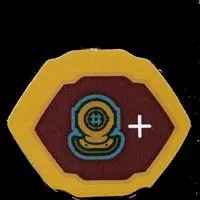 | Dive |
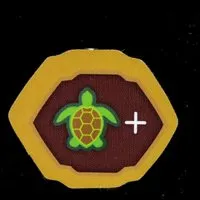 | Conserve |
 | Journal |
Robotic Wanderer
Short tag: [Wanderer] — a depth-3 Wanderer Dock, 4 upgrade cubes and the Wanderer.
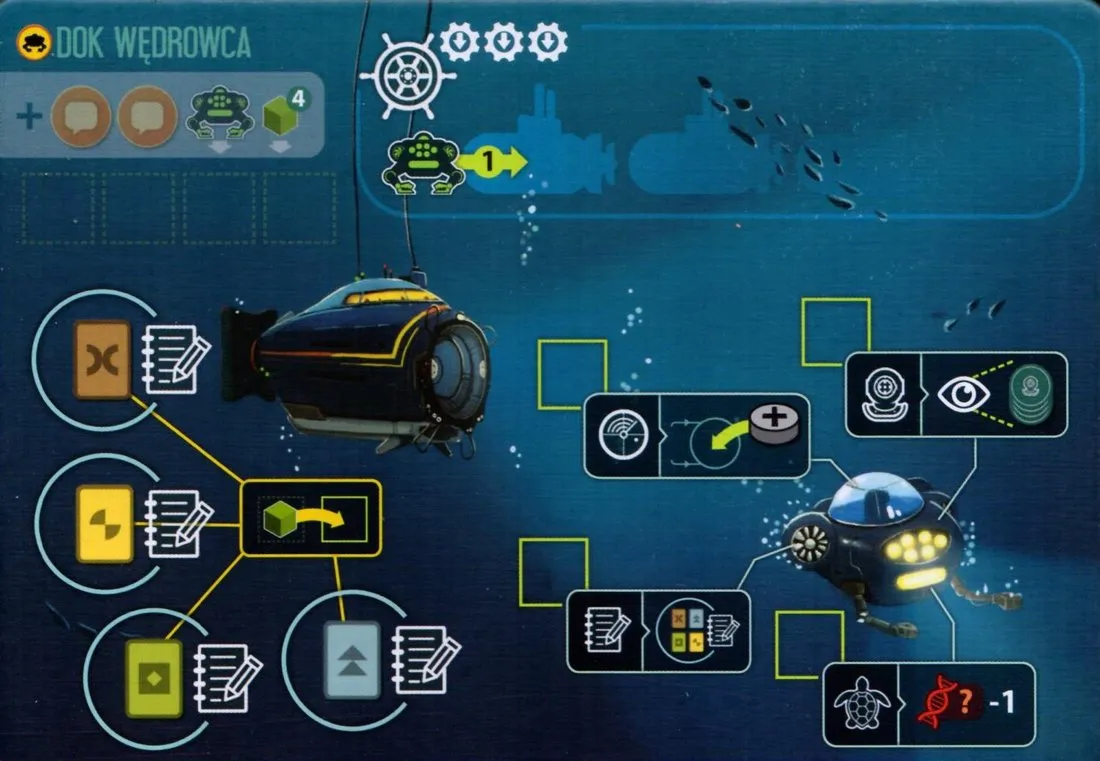
- Setup: shuffle the Dock into the depth-3 stack.
- Discovery bonus: 2 Reputation. Put the 4 cubes on the Dock; the discoverer puts the Wanderer in any zone that allows Vessels. Nobody takes that zone’s arrival bonus (FAQ). If a Scenario or Setback brings the Dock into play, the Wanderer starts on the Dock and nobody takes the Discovery bonus (FAQ).
- Arrival bonus at the Dock: you may move the Wanderer one zone (even deeper than you could travel) and take the arrival bonus of the zone it enters. This is the only way it moves.
- Acting through it: while you have a Vessel at the Dock, you may Sonar, Dive, Conserve or Journal in the Wanderer’s zone as if your Vessel were there. Several players can use it.
- Upgrades: Journalling at the Dock also moves one cube onto an upgrade. Upgrades are permanent, for everyone, but only for actions taken through the Wanderer:
- Sonar: the disc for the Sonar track comes from your supply instead of your Staging area.
- Journal: the site counts as having every Field symbol.
- Conserve: cost 1 Research less (minimum 0).
- Dive: look through the whole stack and choose a token (FAQ).
- The Wanderer is not a Vessel: it never counts for goals or Setbacks, and cannot enter zones that forbid Vessels.