Cards & Components
Person and Building effects, ship statistics and component reference.
Boards
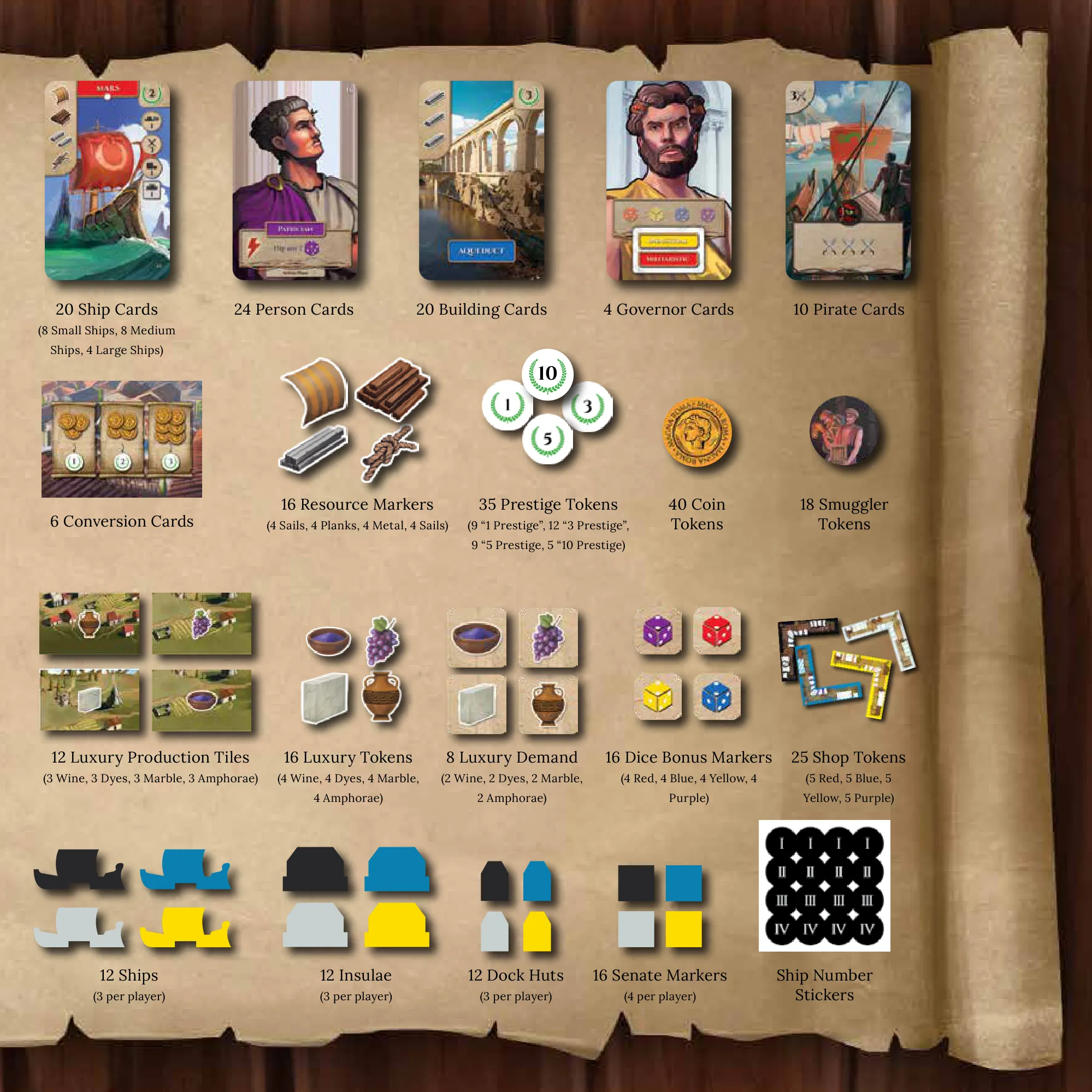
Automa board
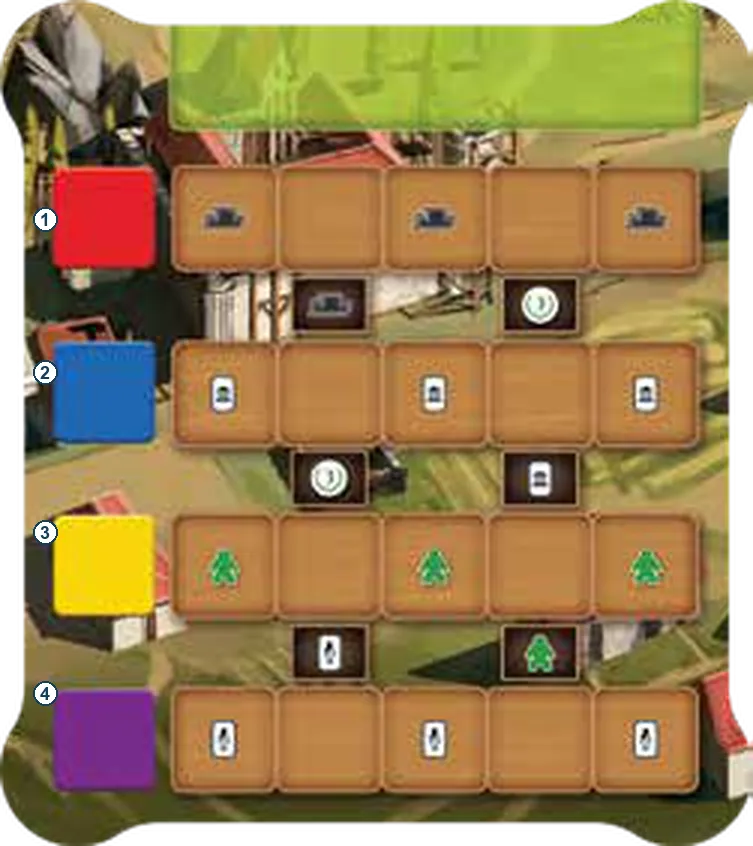
Cards
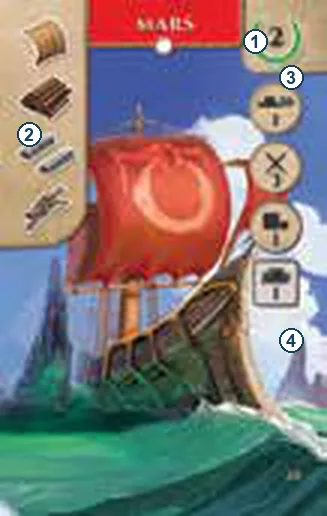
How to read a card
A Ship shows its colour, size, resource cost, printed Prestige and four statistics: Speed, Strength, Cargo and Hull. A Person shows its colour, activation effect and timing. A Building shows its cost, printed Prestige and any ongoing, employed or final-scoring ability. See playing cards.
Person cards
Activate each at its printed timing with an available marker. A marked Person cannot activate again until its marker is retrieved. Voyage effects last only for the applicable Voyage.
| Face | Card and effect |
|---|---|
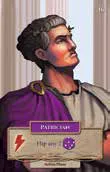 | 1 · Patrician. Flip up to two matching-colour dice, drafted or already on the Harbor, to their opposite faces (1↔6, 2↔5, 3↔4). Persons. |
| To be added. | 2 · Investor. Add two temporary pips to one drafted matching-colour die for one placement. Persons. |
| To be added. | 3 · Engineer. Treat one drafted matching-colour die as wild for one placement, ignoring slot colour. Persons. |
| To be added. | 4 · Legate. Build one Ship, paying two fewer resources. Persons. |
| To be added. | 5 · Admiral. During Voyage, spend one Favor to give all your Ships +1 Strength for this Voyage. Persons. |
| To be added. | 6 · Patrician. Flip up to two matching-colour dice to opposite faces; see #1. Persons. |
| To be added. | 7 · Investor. Add two temporary pips to a matching drafted die; see #2. Persons. |
| To be added. | 8 · Captain. During Voyage, give one Ship +1 Cargo for this Voyage. Persons. |
| To be added. | 9 · Quaestor. Gain two Colonists into available housing. Persons. |
| To be added. | 10 · Trader. During Voyage, ignore Luxury-type restrictions when delivering Luxuries. Persons. |
| To be added. | 11 · Investor. Add two temporary pips to a matching drafted die; see #2. Persons. |
| To be added. | 12 · Engineer. Treat one matching drafted die as wild; see #3. Persons. |
| To be added. | 13 · Captain. Put each displayed Ship under its own size’s deck, then reveal a new Ship of each size. Persons. |
| To be added. | 14 · Praefectus. Take one displayed Building or draw two Buildings from the deck. Persons. |
| To be added. | 15 · Architect. Play a Building from your hand for free if its total resource cost is two or less. Persons. |
| To be added. | 16 · Patrician. Flip up to two matching-colour dice to opposite faces; see #1. Persons. |
| To be added. | 17 · Engineer. Treat one matching drafted die as wild; see #3. Persons. |
| To be added. | 18 · Captain. During Voyage, gain one Coin per own Ship in the middle or right segment. Persons. |
| To be added. | 19 · Diplomat. During Voyage, ignore the Strength of one revealed Pirate card. Persons. |
| To be added. | 20 · Tribune. Gain one Favor and one Smuggler’s token. Persons. |
| To be added. | 21 · Corsair. During Voyage, give one Ship +2 Strength for this Voyage. Activate before revealing a Pirate card for the next segment. Persons. |
| To be added. | 22 · Schemer. Gain two Smuggler’s tokens. Persons. |
| To be added. | 23 · Navigator. Move one left-facing Ship one space toward home; dock it if it reaches the Harbor. Persons. |
| To be added. | 24 · Praetor. Advance your Senate markers twice: two spaces on one track or one on each of two tracks. Persons. |
Building cards
Pay the printed resource cost to play a Building. Colonists employed on Buildings return at round end. Endgame effects supplement the card’s printed Prestige.
| Face | Card and effect |
|---|---|
| To be added. | 1 · Castrum. No ability; score the printed Prestige. Buildings. |
| To be added. | 2 · Naval Academy. Employ a Colonist, then take a Colonist from supply and crew a Ship with an empty crew space. Buildings. |
| To be added. | 3 · Dockyard Arsenal. While employed by a Colonist, all your small Ships gain +1 Strength. Buildings. |
| To be added. | 4 · Warship Foundry. While employed by a Colonist, all your Ships with at least one crew gain +1 Strength. Buildings. |
| To be added. | 5 · Smithy. Game end: one Prestige per medium Ship you built. Buildings. |
| To be added. | 6 · Horreum Maximus. No ability; score the printed Prestige. Buildings. |
| To be added. | 7 · Port Crane. Employ a Colonist to move one already placed Harbor die to any other slot, ignoring restrictions. Gain no placement benefits. Buildings. |
| To be added. | 8 · Market Square. Employ a Colonist to gain any one Luxury. Buildings. |
| To be added. | 9 · Customs Office. Ongoing: gain any one basic resource whenever you complete a trade. Buildings. |
| To be added. | 10 · Tavern. Game end: one Prestige per Building you built. Card-text answer. Buildings. |
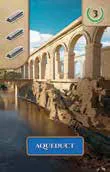 | 11 · Aqueduct. No ability; score the printed Prestige. Buildings. |
| To be added. | 12 · Engineer’s Hut. Employ one Colonist to construct a Dock Hut or Insula, paying two fewer resources of your choice. Activation-cost answer. Buildings. |
| To be added. | 13 · Fleetyard. Ongoing: gain two Prestige whenever you play a Ship. Buildings. |
| To be added. | 14 · Lighthouse. Employ a Colonist to inspect the top Pirate card and either keep it there or discard it. Buildings. |
| To be added. | 15 · Odeon. Game end: one Prestige per Colony structure you built. Card-text answer. Buildings. |
| To be added. | 16 · Pantheon. No ability; score the printed Prestige. Buildings. |
| To be added. | 17 · House of Censors. Employ a Colonist to advance one Senate marker one space. Buildings. |
| To be added. | 18 · Harbor Master. Employ a Colonist to reroll any drafted die or a die on the Harbor. A Harbor die returns to its same slot with its new face. Buildings. |
| To be added. | 19 · Governor’s Villa. Ongoing: gain one Favor at the end of each round. Buildings. |
| To be added. | 20 · Curia. Game end: one Prestige per two Colonists on your Colony board. Buildings. |
Ship cards
There are eight small, eight medium and four large Ships. Each uses its printed cost, colour, Prestige and statistics. Build, retire and crew Ships.
Ship face samples: Archona Games product gallery.
| Face | Ship |
|---|---|
| Mars. Use its printed values for construction, Voyage and final scoring. |
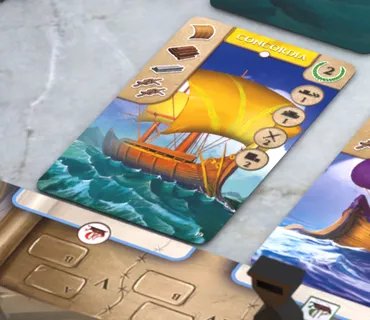 | Concordia. Use its printed values for construction, Voyage and final scoring. |
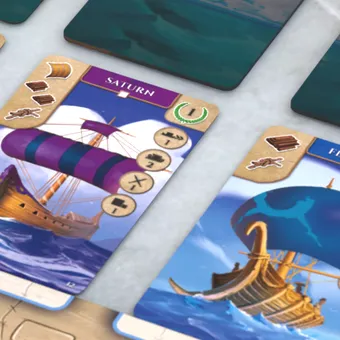 | Saturn. Use its printed values for construction, Voyage and final scoring. |
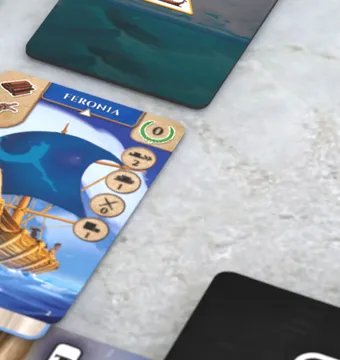 | Feronia. Use its printed values for construction, Voyage and final scoring. |
| To be added. | Other 16 Ship faces. |
Governors
| Face | Effect |
|---|---|
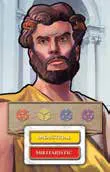 | Two traits set your final colour-pair scoring; the four colour spaces record unlocked drafting bonuses. Colour bonuses. |
| To be added. | Other Governor faces. |
Conversion cards
| Face | Effect |
|---|---|
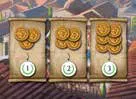 | Convert Coins to Prestige following the printed rate. Each displayed Conversion card can be used once per turn. Conversions. |
| To be added. | Other Conversion faces. |
Tiles
Harbor tiles
| Face | Use |
|---|---|
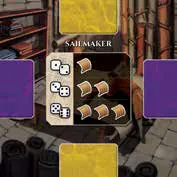 | Sailmaker: gain Sails. Harbor benefits. |
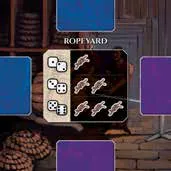 | Ropeyard: gain Rope. Harbor benefits. |
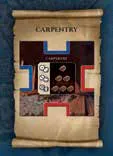 | Carpentry: gain Planks. Harbor benefits. |
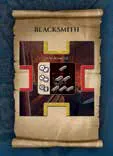 | Blacksmith: gain Metal. Harbor benefits. |
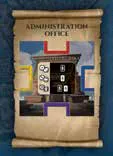 | Administration Office: acquire Persons. Harbor benefits. |
| To be added. | Other Harbor tile faces. |
Luxuries and production
| Face | Luxury |
|---|---|
 | Marble. Production and delivery. |
 | Pigments. Production and delivery. |
 | Wine. Production and delivery. |
 | Amphora. Production and delivery. |
Tokens & pieces
| Face | Use |
|---|---|
    | Four resource tracks, each limited to five. Resources. |
 | Spend on pips, activations or Senate movement. Favor. |
 | Earn from trade; convert or retain for the tie-breaker. Coins. |
 | Ignore a Shore Fee for one placement or retain for one final Prestige. Shore Fees. |
| To be added. | Pirate faces, Dice Bonus tiles, Demand and Production tiles, Shops and remaining tokens. |
Icons
| Symbol | Meaning |
|---|---|
| Sail resource. |
| Rope resource. |
| Planks resource. |
| Metal resource. |
| Favor token. |
| Coin. |
| Smuggler’s token. |